—
Setting up a shopping cart on Your Link in bio is no longer just about creating an additional sales channel. It’s a strategic move that can significantly boost your revenue and enhance the overall user experience for your followers. The Link In Bio Shopping Cart Setup Guide will walk you through every step, from choosing the right tool to implementing advanced features like payment processing.
—
Link in Bio Shopping Cart Setup Guide – Common Mistakes to Avoid When Setting Up Your Shopping Cart
Many creators fall into traps that can undermine their efforts. Here are some common mistakes to watch out for:
- Overcomplicating the Setup Process: Don’t get bogged down with too many features. Keep it simple and user-friendly.
- Ignoring Aesthetic Design: Your shopping cart should reflect your brand’s style. Poor design can turn off potential buyers.
- Failing to Optimize for Mobile: Ensure that your link in bio is easily accessible on both desktop and mobile devices.
—
Benefits of Using a Link in Bio Shopping Cart Setup Guide
There are several advantages to using a link in bio shopping cart setup guide:
- Increased Sales: A well-set-up shopping cart can drive more conversions and increase your earnings.
- Ease of Use for Consumers: Simplify the checkout process, making it faster and more convenient for your followers to make purchases.
- Better Brand Representation: Your link in bio should be a reflection of your brand. A shopping cart setup guide helps maintain that consistency.
—
Link In Bio Shopping Cart Setup Guide: Choosing the Right Tool for Your Needs
To ensure you pick the best tool, consider these factors:
- Ease of Use: Look for a platform that offers a user-friendly interface.
- Customization Options: A robust shopping cart should allow you to customize everything from colors to logos.
- Integration Capabilities: Ensure the tool integrates well with your existing platforms and social media profiles.
—
Step-by-Step Guide to Setting Up Your Link in Bio Shopping Cart
-
Create an account on a reputable link in bio shopping cart platform, such as Qurrl.ink.
-
Follow the prompts to create your first product or service listing.
-
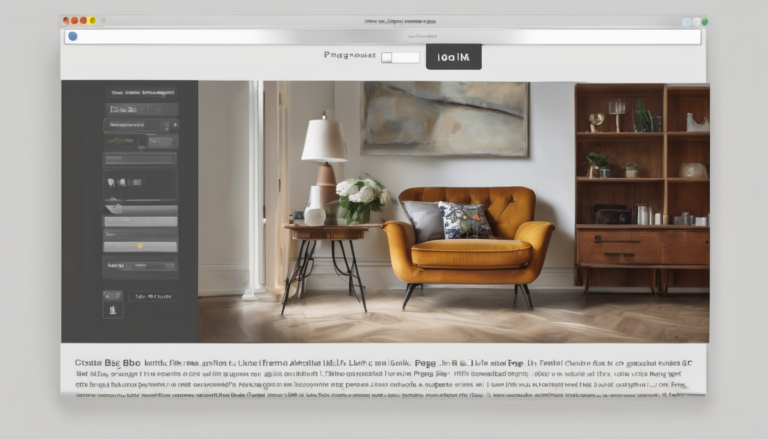
Customize your product page with images and descriptions that align with your brand’s aesthetic.
-
Add payment methods, such as Stripe for secure transactions.
-
Insert the generated link into your Instagram bio under a relevant section like “Shop.”
—
Expert Tips for Effective Shopping Carts
To make the most of your shopping cart setup, follow these expert tips:
-
Optimize images and descriptions for SEO to drive more organic traffic.
-
Use social proof like customer testimonials or reviews to build trust with potential buyers.
-
Offer promotions or discounts to encourage first-time purchases.
—
FAQ Section: Answers to Common Questions
- Can I use the same link in bio for multiple products?
- No, each product should have its own unique link. This helps track individual sales and improve your analytics.
- How often do I need to update my shopping cart content?
- Regularly updating your content can keep your followers engaged. Aim for at least one update per month.
—
Conclusion
The Link in Bio Shopping Cart Setup Guide is a powerful tool that can transform the way you engage with and monetize your audience. By avoiding common mistakes, choosing the right platform, and following our step-by-step guide, you can create an effective shopping cart that drives more sales while maintaining brand consistency.
—
Understanding Link In Bio Shopping Cart Setup Guide is key to success in this area.