—
—
Create custom QR codes that match your brand colors and stand out. Learn 10 essential steps for success.
—
How to Create Custom QR Codes with Brand Colors
Learn the 10 essential steps to create custom QR codes that match your brand colors and stand out in this comprehensive guide.
—
—
Understanding How to Create Custom QR Codes with Brand Colors
Creating custom QR codes that match your brand colors can significantly enhance the visual appeal of your marketing materials. This guide will walk you through 10 essential steps, ensuring your QR codes are not only functional but also align perfectly with your branding.
Selecting the Perfect Tool for Your Needs
To create custom QR codes with brand colors, you’ll need a reliable tool. For this guide, we’ll use Qurrl.ink, known for its user-friendly interface and comprehensive features.
Gathering Your Brand Colors and Assets
Before you start designing, collect your brand colors, logos, and any other assets. These will be crucial in customizing the QR codes to match your branding.
Choosing the Right QR Code Type
QR code types include URL, text, email, phone, SMS, WiFi, vCard, and location. For this guide, we’ll focus on the URL type as it’s most commonly used for web links.
Customizing the Background Color of the QR Code
Log in to your Qurrl.ink account and create a new custom QR code. Go to the “QR Code Generator” section. Here, you can customize the background color by entering specific hex codes or selecting from predefined palettes.
Adding Your Logo to the QR Code
To add your logo, go to the design options and click on “Add Logo.” Upload your logo file, then adjust its size and position as needed. Ensure it complements the overall design of the QR code.
Editing and Finalizing the QR Code Design
Once you have added your logo and background color, review the design to ensure it looks professional and consistent with your branding. Make any necessary adjustments to improve readability and aesthetic appeal.
Testing the Custom QR Code
Before publishing, test the QR code by scanning it with a smartphone or using an online scanner tool. Ensure that the URL works correctly and that all elements are visible and legible.
Publishing Your Custom QR Code
After testing, you can publish your custom QR code to various platforms such as business cards, flyers, or social media profiles. Make sure it’s easily accessible and clearly labeled for maximum effectiveness.
Tips for Effective Use of Brand-Colored QR Codes
To ensure your custom QR codes are effective, follow these tips:
- Use high-resolution images to maintain clarity.
- Incorporate the QR code into relevant marketing materials where it will be most visible and useful.
- Add clear instructions on how to scan the QR code for better engagement.
—
Expert Tips for Creating Custom QR Codes with Brand Colors
1. Keep your design simple and uncluttered.
2. Use contrasting colors for better readability.
3. Optimize the size of the QR code to ensure it’s easily scannable from various distances.
—
FAQ Section
- Q: Can I use any color combination?
- Q: How many QR codes can I create per month?
A: Yes, you can choose any color combination that aligns with your brand. However, consider the readability of the QR code. This relates directly to Create Custom Qr Codes With Brand Colors.
A: The free plan on Qurrl.ink allows unlimited custom QR codes without restrictions.
—
Conclusion
Creating custom QR codes with brand colors is a powerful way to enhance your marketing efforts and align them with your branding. By following these 10 essential steps, you can ensure that your QR codes are both visually appealing and functional.
—
—
—
—
How to Create Custom QR Codes with Brand Colors
Learn the 10 essential steps to create custom QR codes that match your brand colors and stand out.
—
—
Understanding How to Create Custom QR Codes with Brand Colors
Creating custom QR codes that match your brand colors can significantly enhance the visual appeal of your marketing materials. This guide will walk you through 10 essential steps, ensuring your QR codes are not only functional but also align perfectly with your branding.
Selecting the Perfect Tool for Your Needs
To create custom QR codes with brand colors, you’ll need a reliable tool. For this guide, we’ll use Qurrl.ink, known for its user-friendly interface and comprehensive features.
Gathering Your Brand Colors and Assets
Before you start designing, collect your brand colors, logos, and any other assets. These will be crucial in customizing the QR codes to match your branding.
Choosing the Right QR Code Type
QR code types include URL, text, email, phone, SMS, WiFi, vCard, and location. For this guide, we’ll focus on the URL type as it’s most commonly used for web links.
Customizing the Background Color of the QR Code
Log in to your Qurrl.ink account and create a new custom QR code. Go to the “QR Code Generator” section. Here, you can customize the background color by entering specific hex codes or selecting from predefined palettes.
Adding Your Logo to the QR Code
To add your logo, go to the design options and click on “Add Logo.” Upload your logo file, then adjust its size and position as needed. Ensure it complements the overall design of the QR code.
Editing and Finalizing the QR Code Design
Once you have added your logo and background color, review the design to ensure it looks professional and consistent with your branding. Make any necessary adjustments to improve readability and aesthetic appeal.
Testing the Custom QR Code
Before publishing, test the QR code by scanning it with a smartphone or using an online scanner tool. Ensure that the URL works correctly and that all elements are visible and legible.
Publishing Your Custom QR Code
After testing, you can publish your custom QR code to various platforms such as business cards, flyers, or social media profiles. Make sure it’s easily accessible and clearly labeled for maximum effectiveness.
Tips for Effective Use of Brand-Colored QR Codes
To ensure your custom QR codes are effective, follow these tips:
- Use high-resolution images to maintain clarity.
- Incorporate the QR code into relevant marketing materials where it will be most visible and useful.
- Add clear instructions on how to scan the QR code for better engagement.
Expert Tips for Creating Custom QR Codes with Brand Colors
1. Keep your design simple and uncluttered.
2. Use contrasting colors for better readability.
3. Optimize the size of the QR code to ensure it’s easily scannable from various distances.
FAQ Section
- Q: Can I use any color combination?
- Q: How many QR codes can I create per month?
A: Yes, you can choose any color combination that aligns with your brand. However, consider the readability of the QR code.
A: The free plan on Qurrl.ink allows unlimited custom QR codes without restrictions.
Conclusion
Creating custom QR codes with brand colors is a powerful way to enhance your marketing efforts and align them with your branding. By following these 10 essential steps, you can ensure that your QR codes are both visually appealing and functional.
—
tags: qr-code-generator, custom-qr-codes, brand-colors, qr-code-design, qrcode-creation
—

—
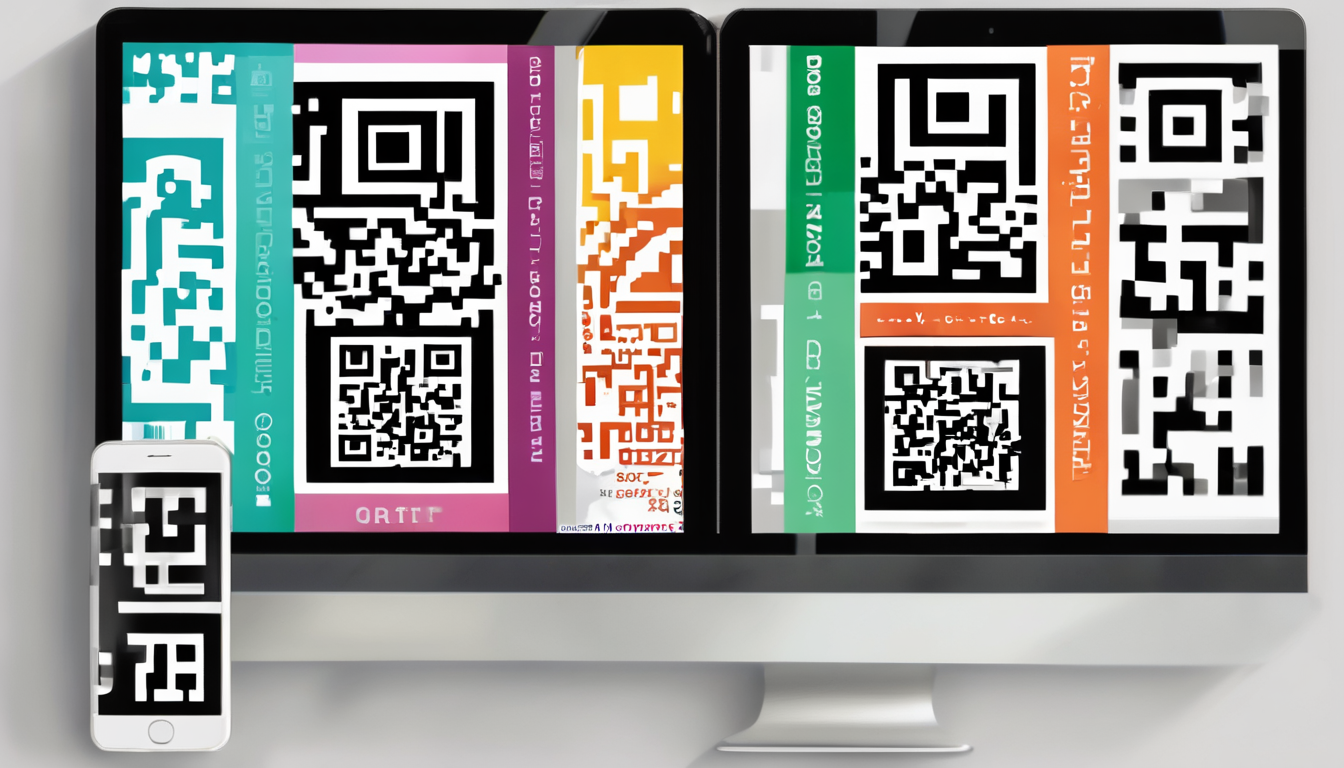
alt_text: How to Create Custom QR Codes with Brand Colors – Example of a customized QR code with a branded background and logo