—
Understanding Dynamic QR Codes for Business Card Design Tips
Dynamic QR codes are a powerful marketing tool that can significantly enhance your business card’s effectiveness. Unlike static QR codes, which point to one fixed URL, dynamic QR codes allow you to change the destination URL after they have been printed and distributed.
Dynamic Qr Codes For Business Card Design Tips – Why Use Dynamic QR Codes on Business Cards?
Dynamic QR codes offer several benefits over static ones. They are more flexible, allowing you to update the content linked to the code without reprinting your business cards. This is especially useful for events, promotions, or when you need to direct users to different pages based on their interests.
Targeted Marketing with Dynamic QR Codes
For example, if you attend a trade show and want to link your business cards to event-specific content or promotions, dynamic codes allow you to do so without reprinting. This saves time and resources. This relates directly to Dynamic Qr Codes For Business Card Design Tips.
<h2 id="how-to-create-dynamic-qr-code-for-business-card”>How to Create a Dynamic QR Code for Your Business Card
To create a dynamic QR code, follow these steps:
- Visit Qurrl.ink and sign up or log in to your account.
- Navigate to the “Dynamic Links” section on the platform.
- Create a new dynamic link by specifying the URL you want it to point to initially.
- Once created, click “Generate QR Code.”
Customizing Your Dynamic QR Code
You can customize your code with different dot styles, colors, and even add a logo. Make sure to choose a design that aligns with your brand identity.
Designing Your Dynamic QR Code on Business Cards
When designing your business card, consider the following tips:
- Placement: Place the QR code in a prominent area, such as below your name or contact information.
- Size: Ensure the QR code is large enough to be scanned easily. A size of 1 inch by 1 inch should suffice for most business cards.
- Clarity: Use a high-resolution image and avoid placing the QR code on backgrounds that may cause it to blend in or become unreadable.
Best Practices for Using Dynamic QR Codes
To make the most of your dynamic QR codes, follow these best practices:
- Test the Code: Before distributing your business cards, test the QR code to ensure it works correctly and points to the intended URL.
- Update Regularly: Keep your dynamic links updated with relevant content. This keeps users engaged and ensures they are directed to valuable information.
- Analyze Performance: Use analytics tools provided by QR code generators like Qurrl.ink to track the performance of your codes and make data-driven decisions.
How to Edit Dynamic QR Code Links After Printing
One of the key advantages of dynamic QR codes is their ability to be updated after they have been printed. To edit a link: Understanding Dynamic Qr Codes For Business Card Design Tips helps with this aspect.
- Login to your Qurrl.ink account.
- Select the dynamic link you wish to update.
- Edit the URL as needed and save changes.
The QR code associated with this link will automatically be updated, ensuring that any future scans direct users to the correct destination.
FAQs on Dynamic QR Codes for Business Cards
- Q: Can I change the URL of a dynamic QR code after it has been printed?
- Q: Are there any limitations on how often I can change a dynamic QR code?
- Q: How do I know if my dynamic QR code is working properly?
A: Yes, you can update the URL associated with your dynamic QR codes at any time. This means you can keep your business cards relevant even if the content they point to changes.
A: There are no strict limitations, but it’s generally recommended to update your codes once or twice a month to keep them fresh and useful. When considering Dynamic Qr Codes For Business Card Design Tips, this becomes clear.
A: Use the analytics dashboard provided by Qurrl.ink to monitor the performance of your dynamic links. This will help you understand which URLs are being accessed and how often. Dynamic Qr Codes For Business Card Design Tips factors into this consideration.
Conclusion
Dynamic QR codes offer a flexible, powerful solution for enhancing your business card’s effectiveness. By following our guide, you can create, design, and maintain dynamic QR codes that keep your content fresh and relevant to users.
—
Understanding Dynamic QR Codes for Business Card Design Tips
Dynamic QR codes are a powerful marketing tool that can significantly enhance your business card’s effectiveness. Unlike static QR codes, which point to one fixed URL, dynamic QR codes allow you to change the destination URL after they have been printed and distributed.
Targeted Marketing with Dynamic QR Codes
For example, if you attend a trade show and want to link your business cards to event-specific content or promotions, dynamic codes allow you to do so without reprinting. This is especially useful for events, promotions, or when you need to direct users to different pages based on their interests.
Why Use Dynamic QR Codes on Business Cards?
Dynamic QR codes offer several benefits over static ones. They are more flexible, allowing you to update the content linked to the code without reprinting your business cards. This is especially useful for events, promotions, or when you need to direct users to different pages based on their interests.
Targeted Marketing with Dynamic QR Codes
For instance, if you’re attending a tech conference and want to link your business cards to event-specific content or promotions, dynamic codes allow you to do so without reprinting. This saves time and resources. The importance of Dynamic Qr Codes For Business Card Design Tips is evident here.
How to Create a Dynamic QR Code for Your Business Card
- Visit Qurrl.ink and sign up or log in to your account.
- Navigate to the “Dynamic Links” section on the platform.
- Create a new dynamic link by specifying the URL you want it to point to initially.
- Once created, click “Generate QR Code.”
Customizing Your Dynamic QR Code
You can customize your code with different dot styles, colors, and even add a logo. Make sure to choose a design that aligns with your brand identity.
Designing Your Dynamic QR Code on Business Cards
When designing your business card, consider the following tips:
- Placement: Place the QR code in a prominent area, such as below your name or contact information.
- Size: Ensure the QR code is large enough to be scanned easily. A size of 1 inch by 1 inch should suffice for most business cards.
- Clarity: Use a high-resolution image and avoid placing the QR code on backgrounds that may cause it to blend in or become unreadable.
Best Practices for Using Dynamic QR Codes
To make the most of your dynamic QR codes, follow these best practices:
- Test the Code: Before distributing your business cards, test the QR code to ensure it works correctly and points to the intended URL.
- Update Regularly: Keep your dynamic links updated with relevant content. This keeps users engaged and ensures they are directed to valuable information.
- Analyze Performance: Use analytics tools provided by QR code generators like Qurrl.ink to track the performance of your codes and make data-driven decisions.
How to Edit Dynamic QR Code Links After Printing
One of the key advantages of dynamic QR codes is their ability to be updated after they have been printed. To edit a link:
- Login to your Qurrl.ink account.
- Select the dynamic link you wish to update.
- Edit the URL as needed and save changes.
The QR code associated with this link will automatically be updated, ensuring that any future scans direct users to the correct destination.
FAQs on Dynamic QR Codes for Business Cards
- Q: Can I change the URL of a dynamic QR code after it has been printed?
- Q: Are there any limitations on how often I can change a dynamic QR code?
- Q: How do I know if my dynamic QR code is working properly?
A: Yes, you can update the URL associated with your dynamic QR codes at any time. This means you can keep your business cards relevant even if the content they point to changes.
A: There are no strict limitations, but it’s generally recommended to update your codes once or twice a month to keep them fresh and useful.
A: Use the analytics dashboard provided by Qurrl.ink to monitor the performance of your dynamic links. This will help you understand which URLs are being accessed and how often.
Conclusion
Dynamic QR codes offer a flexible, powerful solution for enhancing your business card’s effectiveness. By following our guide, you can create, design, and maintain dynamic QR codes that keep your content fresh and relevant to users.
—
TAGS:
dynamic qr codes, business cards, qr code marketing, qr code design, link management
ALT_TEXT:
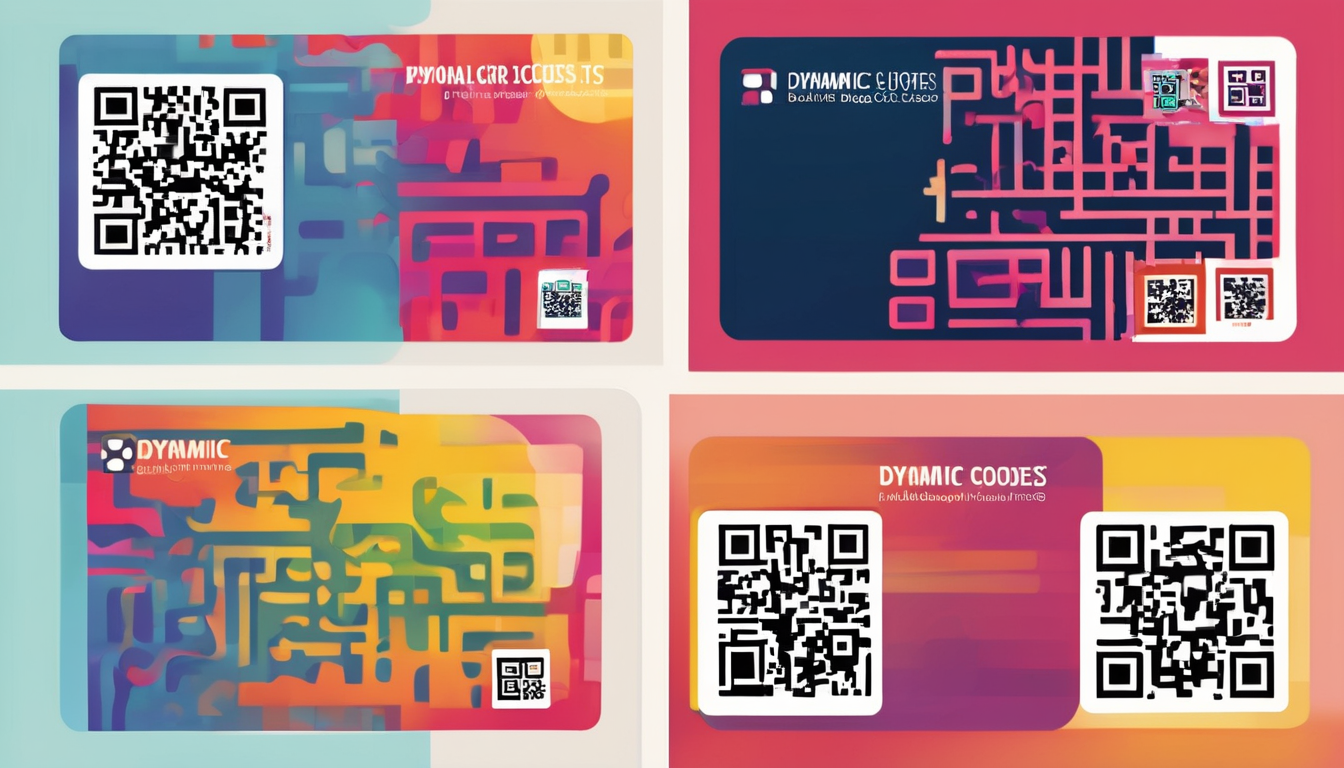
Dynamic QR Codes for Business Card Design Tips – Example of a dynamic QR code designed for a business card, optimized for quick scanning.